
Quote Pipeline from new request to won, with the waiting clock visible.
Requests · Pipeline · Carrier Prep · Import Lab · Sales Floor
Sales & Pipeline is where quote requests become production. Stage counts, waiting time, next step, and agent ownership stay on one board so producers know what to work next.
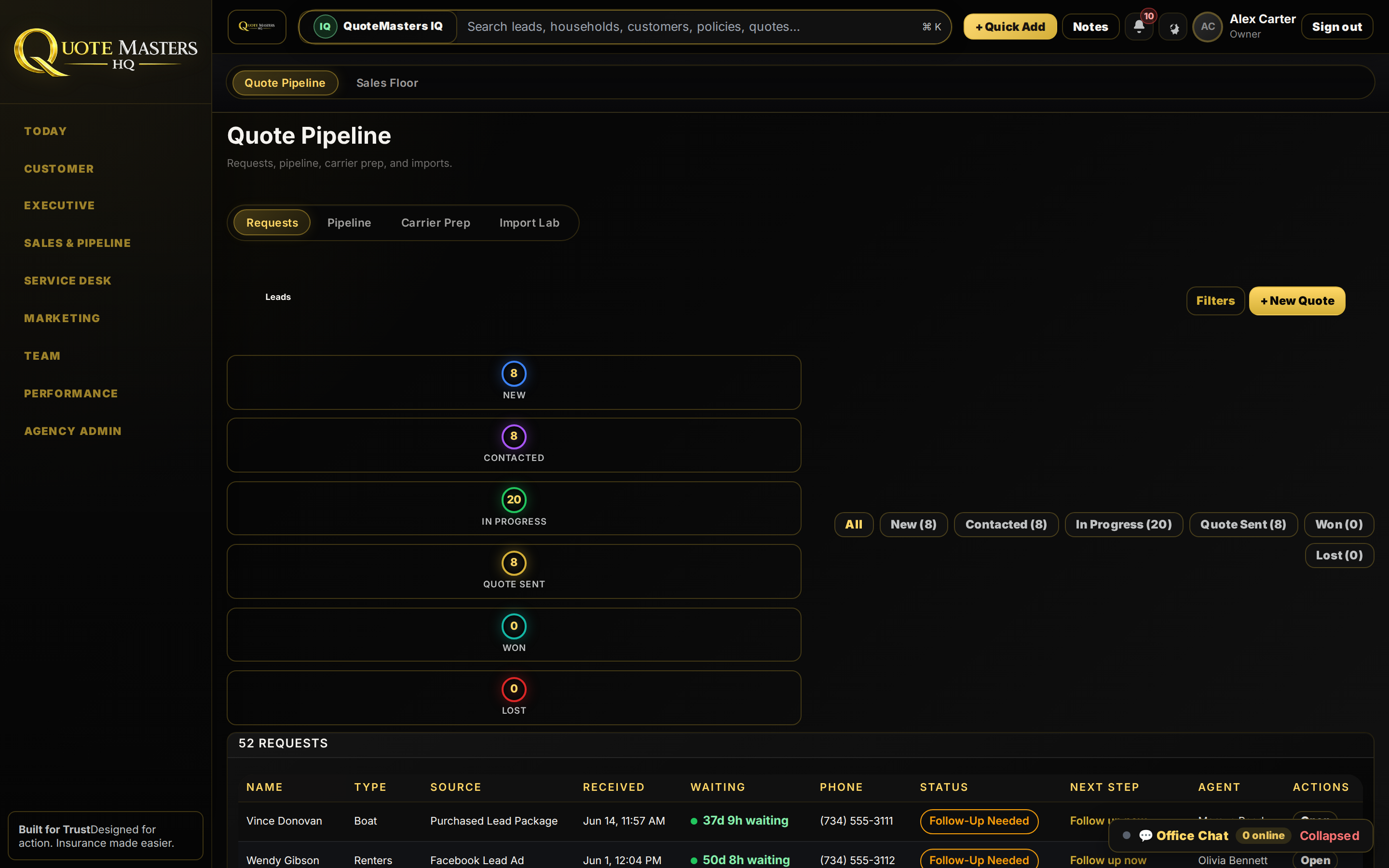
New → Contacted → In Progress → Quote Sent → Won / Lost.
Stage counters and filters make volume honest. Every row shows type, source, waiting time, status, next step, and agent, then Open.
- Pipeline stages with live counts
- Waiting time on aging opportunities
- + New Quote without leaving the board
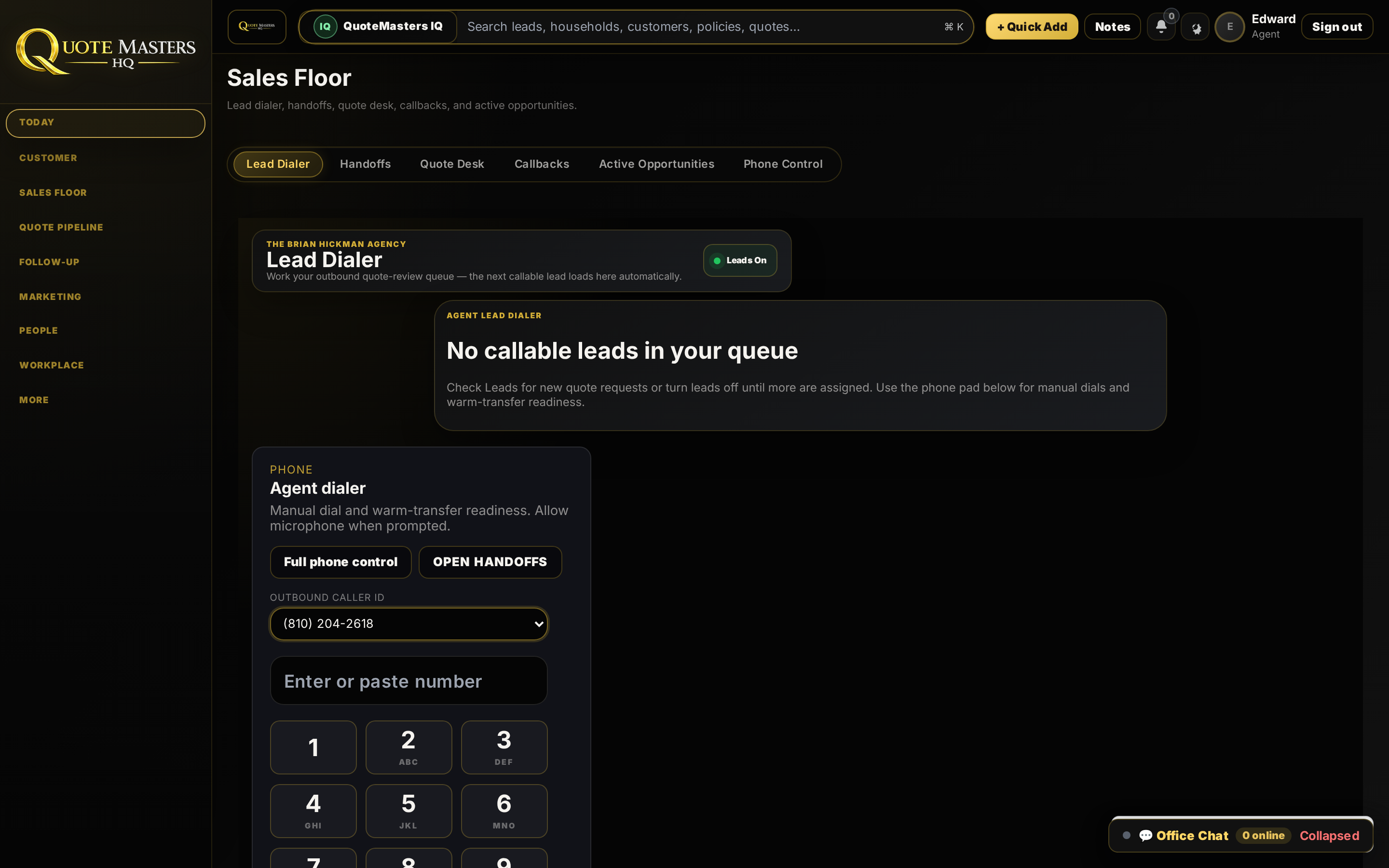
Dialer, handoffs, and callbacks live next to the pipeline.
Sales Floor sits beside Quote Pipeline so phone work and quote progress share one program, not two vendors.
- Requests, Pipeline, Carrier Prep, Import Lab tabs
- Filters for New, Contacted, In Progress, Quote Sent
- Same shell as Customer CRM and Service Desk
What Sales & Pipeline is for.
Source on every row
Purchased leads, Facebook, referral, website: attribution stays attached.
Next step clarity
Follow-up needed is a status, not a hallway question.
Carrier prep
Get submissions ready without a side spreadsheet.
Import lab
Bring lists in without breaking ownership rules.
Every key program in the app has a page.
Customer CRM, Sales & Pipeline, Service Desk, Executive, Team, Performance, Marketing Studio, CallMaster, and more. Same operating system.
Today / Agency home
Agency snapshot, quote queue, open tasks.
02Customer CRM
Customer 360, households, X-date renewals.
03Executive
Start My Day production and agency health.
04Quote Desk
Intake, ownership, next action.
05Service Desk
CSR queue, policy work, claims, comms.
06Marketing Studio
Month plan, mailer, email, social.
07Team
Staff activity, coaching, scoreboards.
08Performance
Lead → win, sources, budget reports.
09Lead Accountability
Ownership, contact rate, stalled work.
10CallMaster
AI training, duos, challenges, rewards.
11Agency Admin
Onboarding, roles, integrations.
12Speed to Lead
First-touch timing as an operating habit.
13What We Replace
Tool stack replace map.
Want the pipeline your Monday meeting can trust?
See Sales & Pipeline with real stage counts, waiting clocks, and owner visibility.